Let your server watch the feeds.
qBittorrent can follow RSS feeds and download new releases on its own. Helm puts those feeds and rules on your iPhone and iPad, with a preview of exactly what a rule will catch.
Pro RSS is part of Helm Pro, a one-time purchase. Try it first with Try Demo Mode.
Free, Helm Pro $7.99 once · qBittorrent 5.2 or later · HTTPS or your local network · iOS 27.2 or later · Will it work with your setup?
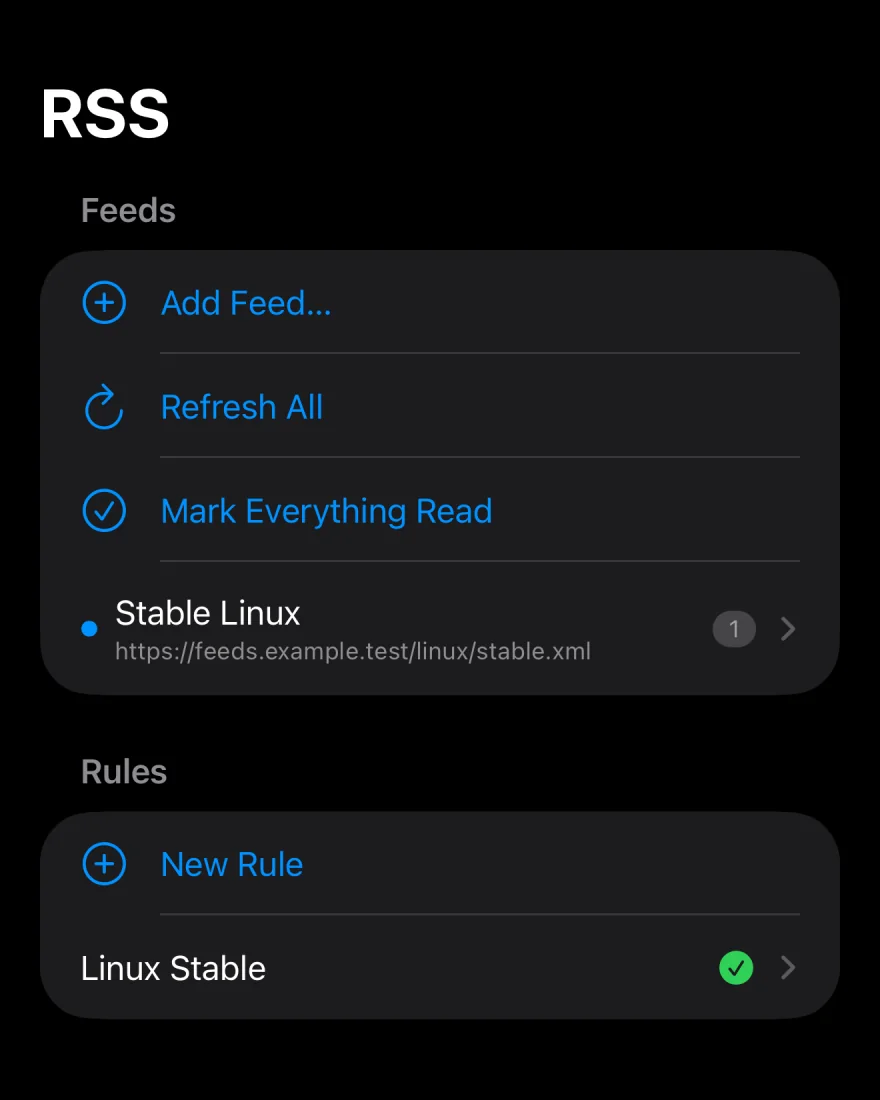
Feeds, folders and fresh articles.
Add a feed by its URL, give it a name and put it in a folder. Refresh everything at once or one feed at a time.
- Rename, move, change the URL of, or remove any feed
- Show unread articles only, and mark one, a feed or everything read
- See when an article also appears in other feeds
- Tap Add Torrent on an article to send it to the review sheet
Linux › Debian Releases
Unread Only
Rules you can test first.
Write an auto-download rule, then tap Save & Preview to see exactly which articles it matches before it catches anything you didn’t mean.
- Must Contain and Must Not Contain, as plain words or regular expressions
- Episode Filter and Smart Filter for numbered releases
- Choose which feeds each rule watches
- Give each rule its own save path, category, tags and limits, using the same options as the add sheet
Matching articles
Set the server’s RSS schedule. Pro
Settings › RSS Scheduling changes how your server fetches feeds, from your phone.
How often
Turn RSS processing on or off, refresh every 1 to 1,440 minutes, and add a delay between feed fetches.
How much
Cap how many articles each feed keeps.
What to download
Turn automatic downloading on or off, prefer repack and proper releases, and set smart episode filters.
RSS, answered.
In Helm, open Settings › RSS Scheduling and check that RSS processing and Automatic Downloading are both on. Then open the rule, check that it is enabled and that its Affected Feeds include the right feed, and tap Save & Preview to see which articles it matches.
Yes. Feeds and rules are stored and run by your qBittorrent server. Helm edits them; it doesn’t need to be open for them to work.
Yes. When you add, rename or move a feed, a slash in its name places it in a folder, the same way qBittorrent does. For example, Linux/Debian puts the Debian feed in a Linux folder.