qBittorrent, in your pocket.
Helm is a native iPhone and iPad app for the qBittorrent server you already run. Search, sort and act on torrents, dig into files, trackers and peers, and keep an eye on the whole server.
Free, Helm Pro $7.99 once · qBittorrent 5.2 or later · HTTPS or your local network · iOS 27.2 or later · Will it work with your setup?
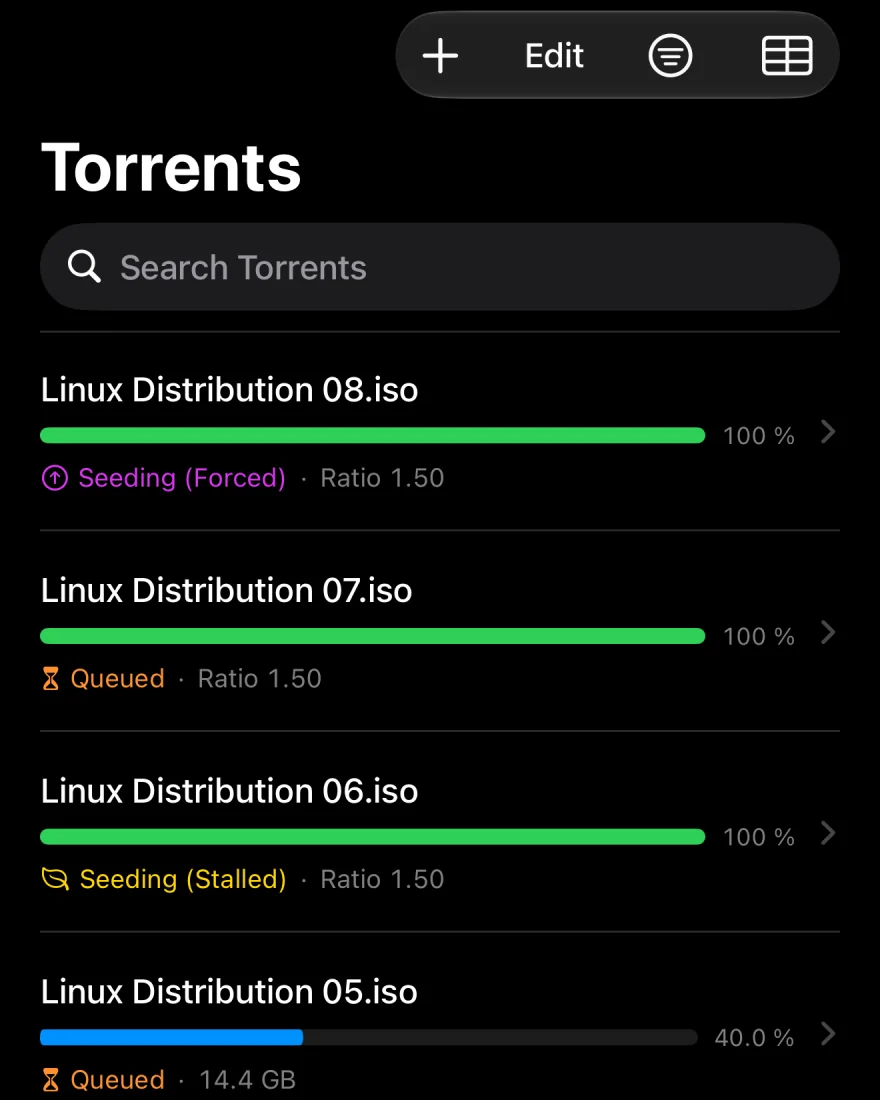
Every torrent, sorted your way.
Show torrents in compact or detailed rows. Switch to a table Pro, or choose which details a downloading or a finished torrent shows Pro.
- Search by name, hash, save path or download path
- Quote a phrase, rule a word out with a minus sign, or write a
/regular expression/ - Filter by state, category and tags, including or excluding each, matching any or all
- Sort by any property, ascending or descending
- Swipe to stop, start or delete; press and hold for everything else
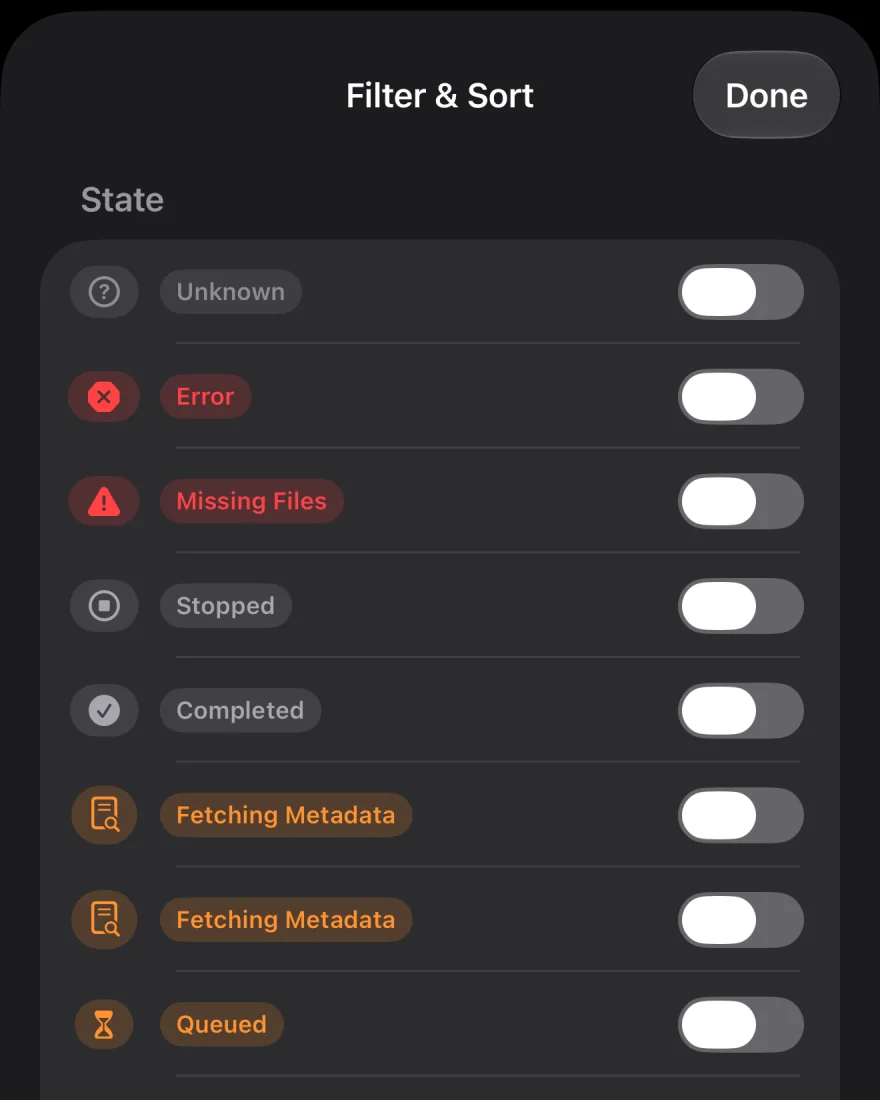
One torrent or fifty.
Tap Edit, select what you need (or Select All), and act on the lot. Helm asks before a large change, and the server confirms each one.
Run them
Start, stop and force start. Recheck and reannounce. Move to the top or bottom of the queue when queueing is on.
Organize them
Set a category, add or clear tags, and move the save or download path. Create, edit and tidy unused categories and tags.
Tune them
Speed limits, and share limits by ratio or seeding time with what to do when one is reached. Sequential download, first and last piece first, super seeding.
Copy and export
Copy a name, hash or magnet link. Export one .torrent file, or a zip of several.
Edit trackers in bulk
Add, replace or remove a tracker across many torrents, with a count of what changed and what was skipped.
Delete with care
Choose between removing only the torrent or the torrent and its files from your server.
Inside a torrent.
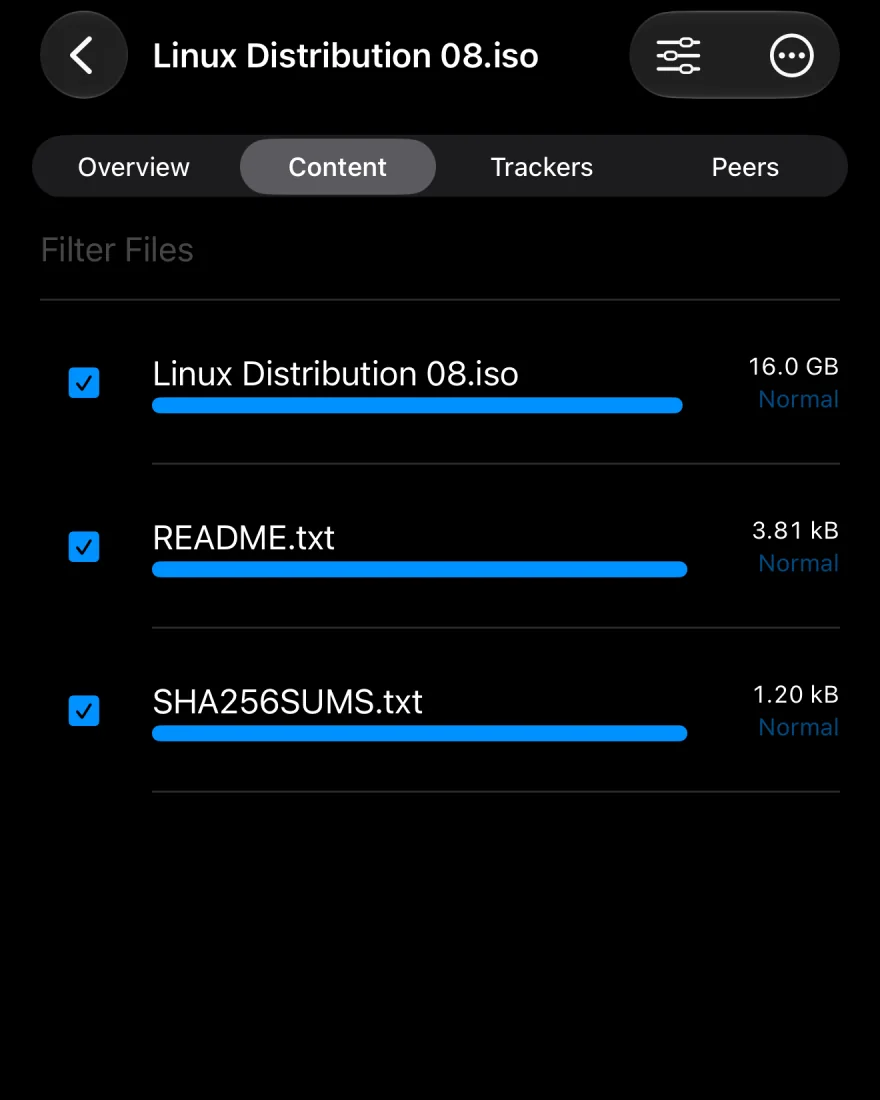
Open any torrent for four tabs that cover the lot.
- Overview
- State, a piece map, transfer totals, connections, paths, dates and comment.
- Content
- Skip files, set priority from Normal to Maximal, rename a file or folder, or bulk-rename with a pattern and preview it first.
- Trackers
- Add several at once, edit or remove them, and see each one’s status.
- Peers
- See who you’re connected to, add peers by address, or ban one.
The whole server on one screen. Pro
The Dashboard tab gathers what’s happening on your server into cards you can switch on, switch off and drag into your own order. Flip alternative speed limits on from the Current Speed card without leaving the screen.
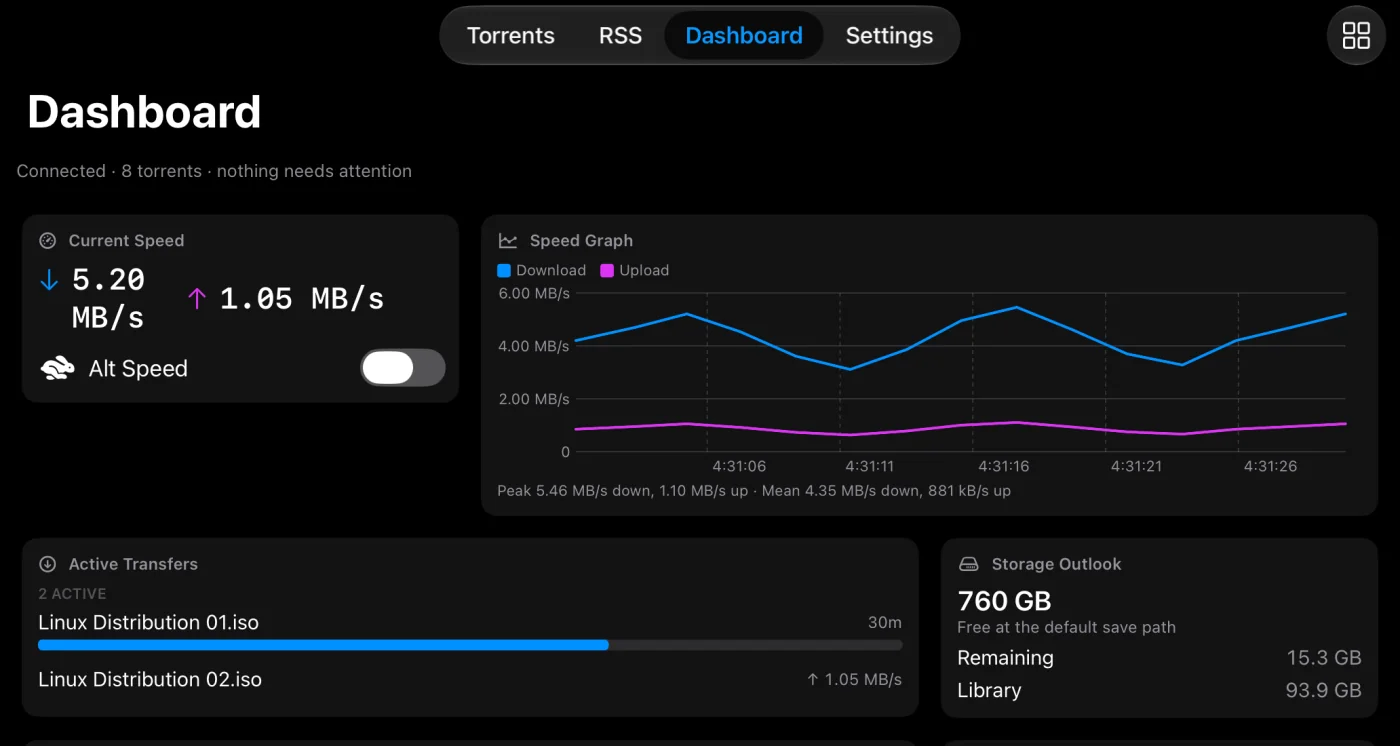
Eleven cards Pro
Current Speed, Speed Graph, Active Transfers, Storage Outlook, Recent Activity and State Breakdown to start. Transfer Stats, Ratio & Seeding, Swarm Health, RSS Summary and Connection when you want them.
Transfer controls Pro
Global download and upload limits and alternative speed limits, all set on your server.
Statistics, connection, logs Pro
Share ratio and cache stats, external address, DHT nodes and peer count, and the server log with search and a severity filter.
Settings that fit the way you read.
Units you think in
Sizes in decimal or binary units, speeds in bytes or bits per second.
Refresh at your pace
Choose how often Helm asks for updates, from every second to every 30 seconds.
iPad keyboard
⌘F to search, ⌘A to select all, Delete and Esc where you expect them. Helm also works in Split View and Stage Manager.
Managing torrents, answered.
Yes, with Helm Pro. Switch the list to Table and pick its columns in Settings › Torrent List, or choose the properties Detailed rows show, with separate choices for downloading and completed torrents. Compact and Detailed rows themselves are free.
Yes, with Helm Pro. Flip alternative speed limits on or off from the Current Speed card, and set global download and upload limits under Dashboard › Transfer. Per-torrent limits are free, in each torrent’s menu.
Yes. When you delete, Helm asks whether to remove only the torrent or the torrent and its files from your server.